What it's about
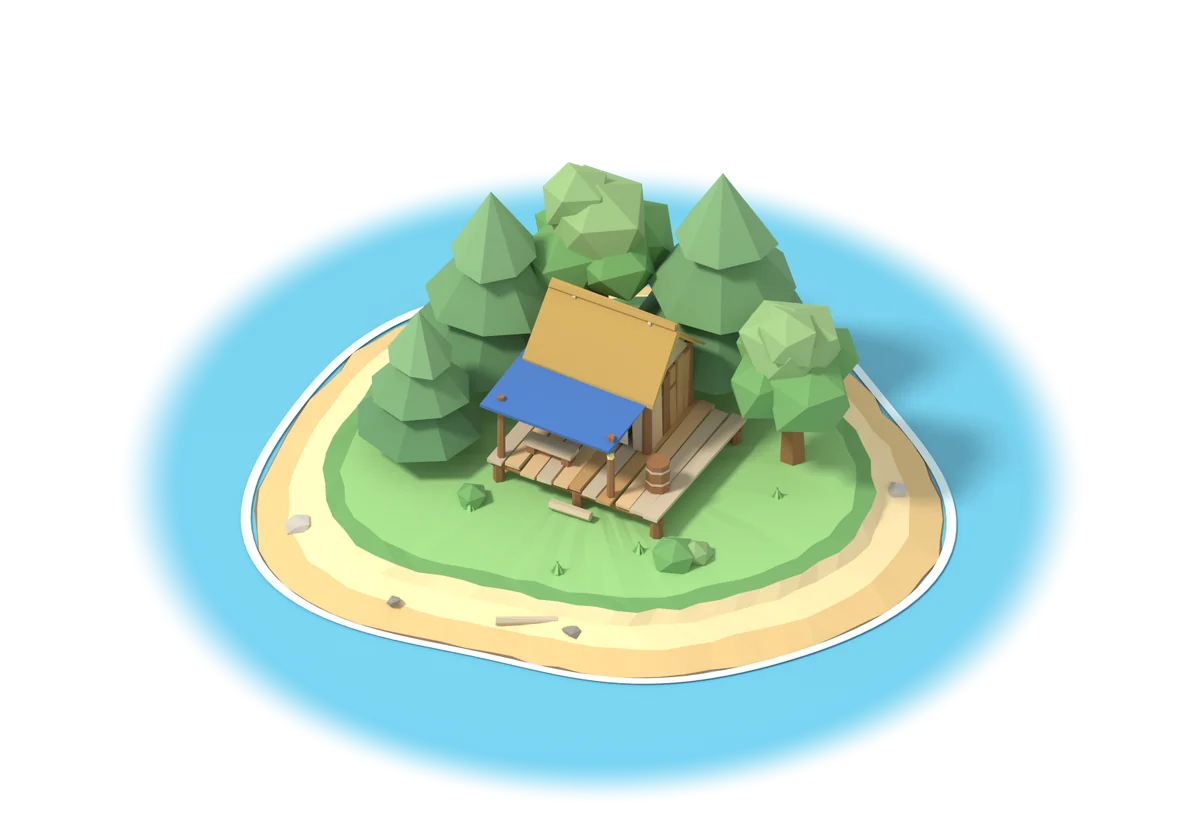
You start on a small, deserted island with a forest, a rock mound and a sandy beach. What it becomes is up to your steps. Almost everything on the island costs steps, and you collect them along the way in everyday life.
-
Walk and gather
Your steps chop trees, mine stone, collect sand from the beach and take you fishing. Plant new saplings yourself and watch them grow into a forest.
-
Build and upgrade
Level by level, your first hut grows into a small village: fields, a chicken farm, a storehouse and a fishery. The hut unlocks new things, and at the very end the lighthouse awaits. When space runs out, you expand the island.
-
Animals and decorations
Twelve animals come to live with you, from foxes and alpacas to a majestic stag. Campfires, benches, flowerbeds and paths let you shape the island the way you like.
-
Visit friends
With your island code, friends can visit your island, and you can visit theirs. The island follows the real time of day: in the evening, campfires and torches light up.
StepIsle is calm on purpose. There is no time pressure, just an island that grows with you and one more little reason to go for a walk today.
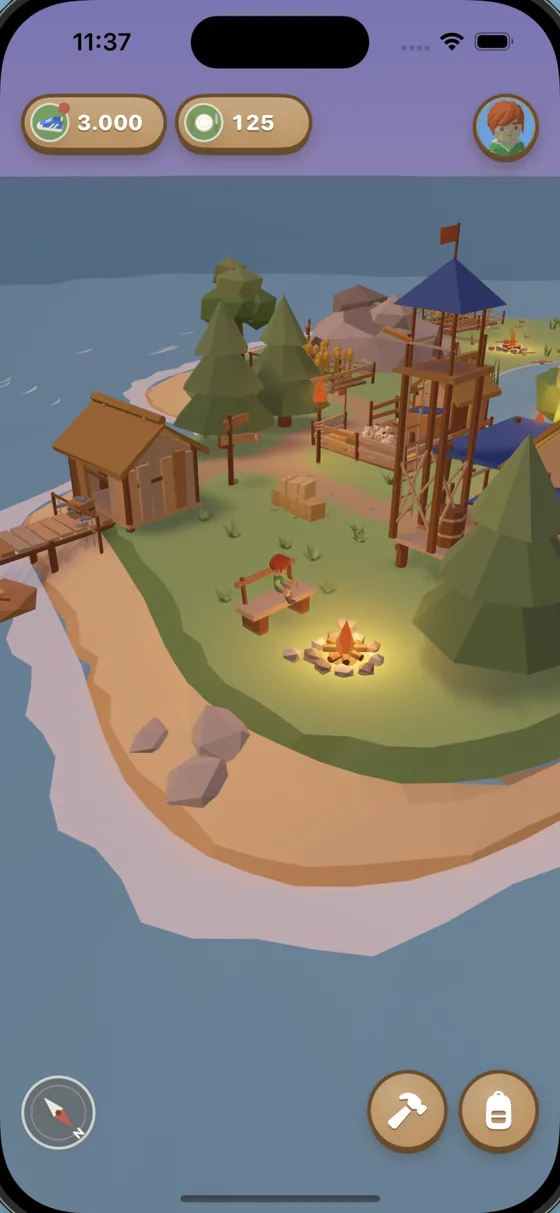
By the campfire 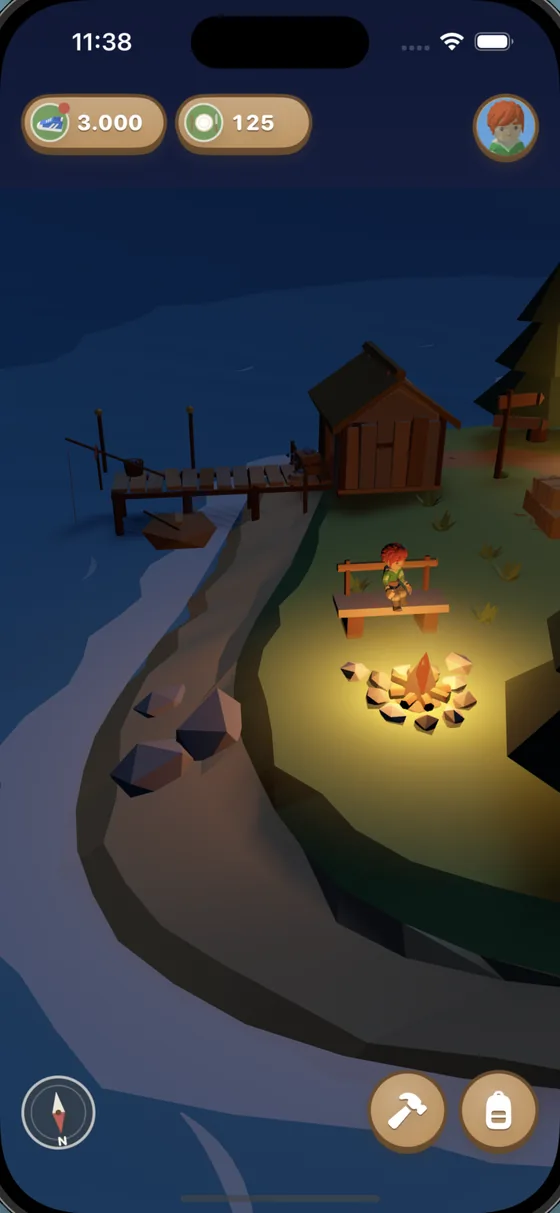
Night on the island 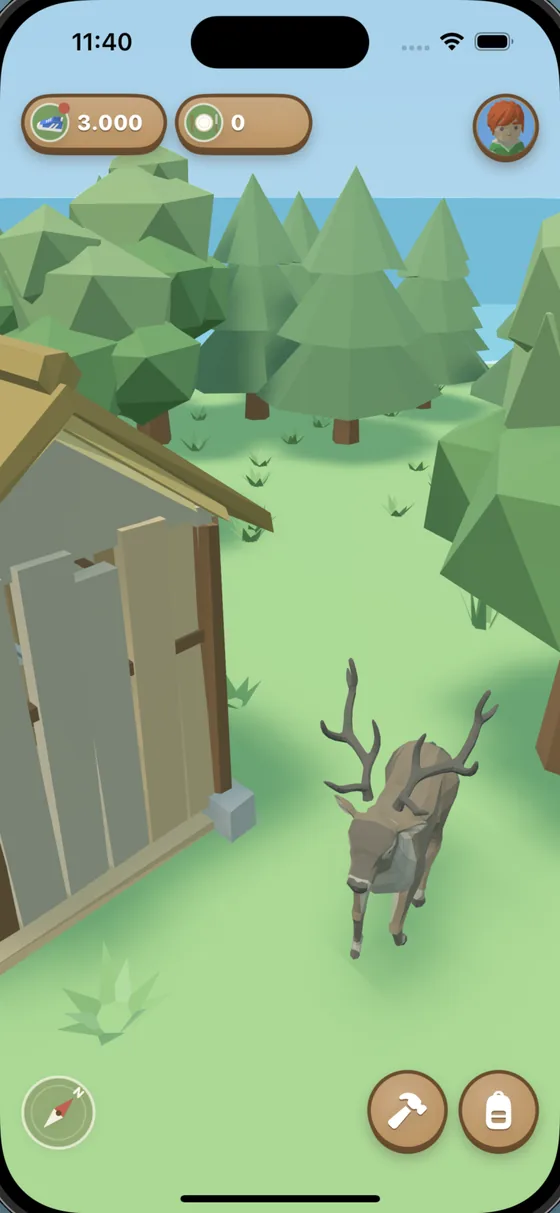
Animals move in 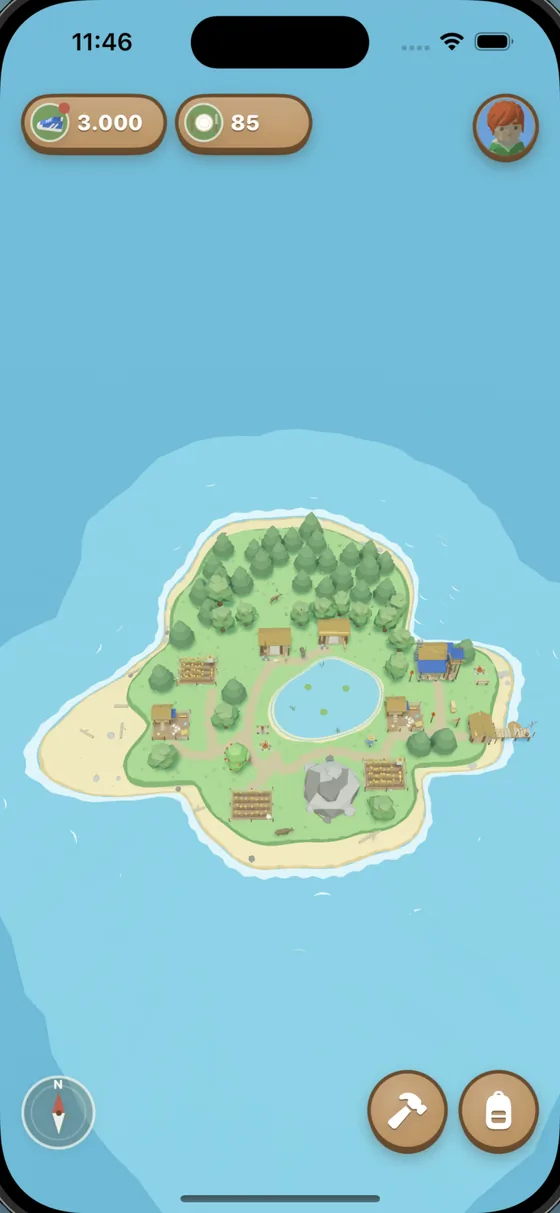
Your island grows 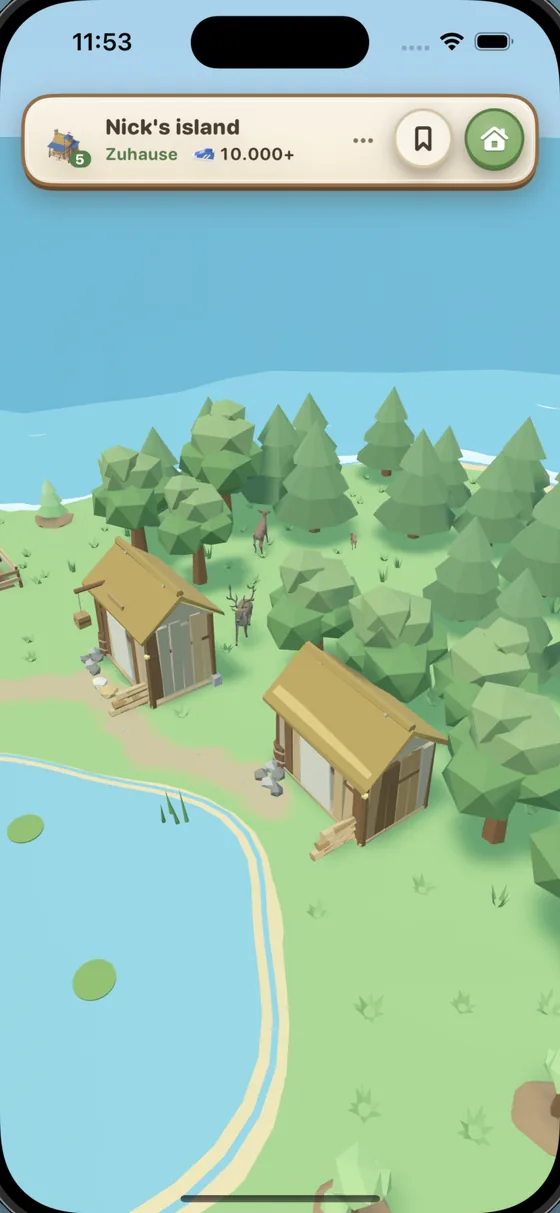
Visiting friends
Frequently asked questions
How can I change the name of my island and my player?
To change the name of your island or your player, open your profile in the app and tap your profile picture 20 times. You can then change the names.
Where do my steps come from?
StepIsle reads your steps from Apple Health. That includes the steps your iPhone counts and, if you wear one, your Apple Watch. Steps you take while the app is closed are added the next time you open it.
How do I visit my friends?
Open your profile. Under “Friends” you'll find your island code, which you can copy or share. Use “Visit an island” to enter a friend's code. For others to visit your island, you need to be signed in to iCloud on your iPhone.
What do others see when they visit my island?
They see your island with its buildings, decorations and animals, your name, your island's name and the level of your hut. Your steps only appear as a rounded milestone, such as “10,000+”. Your exact step count, data from Apple Health and your supplies are not shared.
What happens to my island when I get a new iPhone?
Your island is backed up to your iCloud. Sign in with the same iCloud account on your new iPhone and tap “Load saved game” when the app starts.
Can I delete my island?
Yes. At the very bottom of your profile you'll find “Delete island and account”. To be safe, you need to type “DELETE”. Your island is then also removed from iCloud. This cannot be undone.
Which devices does StepIsle run on?
StepIsle is available for iPhone with iOS 18 or later.
Get StepIsle
Your next walk around the block already counts for your island.
 Coming soon to the App Store